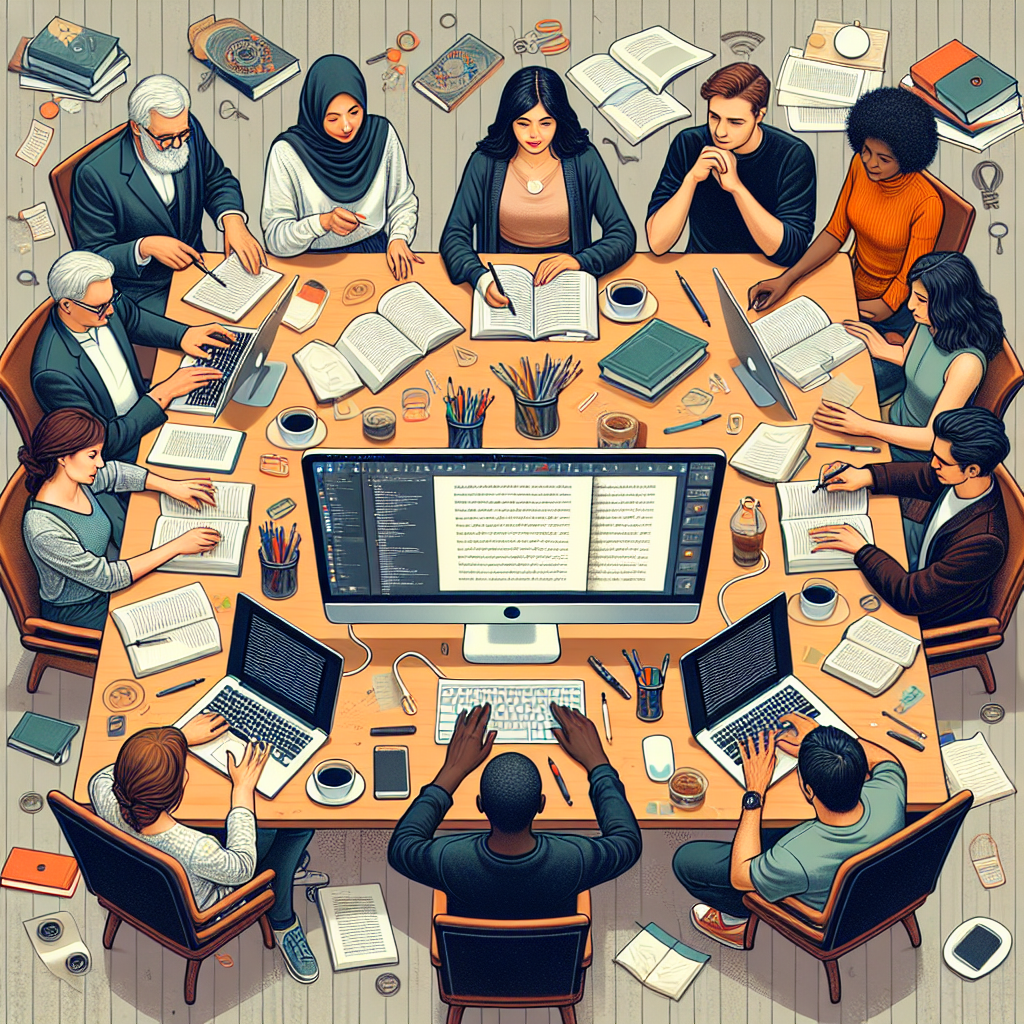
Mastering Collaborative Editing In Writing Teams
Collaborative editing can transform writing. From brainstorming ideas to refining drafts, teamwork enhances clarity. However, challenges arise. In this article, we explore methods to master the process.
Understanding Collaborative Editing
Collaborative editing involves multiple writers. Each person contributes insights. This approach may generate diverse ideas. Yet, it can lead to confusion. Miscommunication often happens.
Moreover, different styles and voices clash. Thus, understanding each member’s strengths is crucial. Identify roles early in the process. Establish a clear framework to guide collaboration.
Setting Up a Collaborative Environment
A collaborative workspace is essential. Choose tools that facilitate interaction. Software like Google Docs enables real-time editing. Additionally, platforms like Slack support communication.
Furthermore, establish guidelines. These guidelines should cover expectations and deadlines. Clarity minimizes misunderstandings. Thus, all members stay aligned with the project’s goals.
Tools for Collaboration
Select the right tools for your team. For example, use Trello for task management. This tool tracks progress easily. Alternatively, Asana supports project organization. These tools streamline the editing process.
Additionally, consider using Version Control Systems (VCS). VCS like Git helps maintain document integrity. Furthermore, they track changes effectively. This aspect ensures accountability among team members. Check out Version Control in Writing for more insights.
Effective Communication Strategies
Communication forms the backbone of collaboration. Thus, set regular check-ins. Daily or weekly meetings keep everyone informed. These sessions help address issues quickly. Moreover, they foster a sense of community.
Use constructive feedback. Avoid harsh criticism. Instead, focus on how to improve ideas. Ensure all voices get heard. This approach boosts morale and encourages participation.
Implementing Feedback Wisely
Feedback is vital for refining work. Encourage team members to provide input early and often. However, prioritize actionable suggestions. Aim for clarity in responses.
Moreover, ensure that feedback aligns with goals. Check if it supports the project’s direction. To learn more about feedback strategies, explore Feedback in Writing Teams.
Maintaining Cohesion in Writing Style
Cohesion ensures a unified voice. Different styles can alienate readers. Thus, create a style guide. This guide may include tone and vocabulary preferences. Share it before beginning edits.
Additionally, use tools like Grammarly. These tools suggest consistency in grammar and style. They help reduce individual quirks in writing. Thus, the final product feels polished.
Creating a Style Guide
When creating a style guide, keep it straightforward. List crucial elements. Include specifics like punctuation and citation methods. Consistency in these areas minimizes confusion.
Distribute the guide amongst team members. Encourage questions. This approach fosters understanding. As a result, the team can maintain a cohesive voice throughout the document.
Establishing Roles and Responsibilities
Every team member should know their role. Assign tasks based on strengths. For example, one person may excel in research while another manages grammar. These distinctions enhance efficiency.
Moreover, consider a rotation of roles. This strategy helps to build skills. It keeps the process dynamic. Thus, everyone remains engaged and invested.
Role Clarification Techniques
To clarify roles, hold an initial meeting. Discuss each member’s strengths. Next, outline specific responsibilities. This discussion helps avoid overlap and confusion.
Furthermore, document roles visibly. Share them with everyone. Reference these roles during edits to keep tasks on track.
Handling Conflicts and Disagreements
Conflicts are natural in teams. However, handling them wisely is vital. Address issues promptly. Acknowledge differing opinions without dismissing them. Respect fosters collaboration.
Use mediation if necessary. A neutral party can facilitate discussions. This approach helps settle disputes fairly. Resolve conflicts swiftly to prevent project stagnation.
Conflict Resolution Strategies
Establish a conflict resolution plan early. Define steps for addressing disagreements. Encourage open dialogue. Additionally, remind team members of the project goals. Common goals help unify perspectives.
Furthermore, consider brainstorming as a group. This method encourages collaborative solutions. It helps transform disagreements into productive discussions.
Finalizing the Edited Document
Once edits are complete, review the document thoroughly. Ensure all changes align with goals. Confirm that the piece flows well. Thus, a final review is necessary. Each member should contribute to this stage.
Use checklists to track tasks. This method ensures nothing gets overlooked. Additionally, set deadlines for final feedback. This approach prioritizes a timely submission.
Best Practices for Final Reviews
For final reviews, establish a clear timeline. Allocate time for each section of the document. This plan prevents last-minute rushes. Furthermore, schedule a final group meeting for last-minute adjustments.
Finally, celebrate the completion. Acknowledge individual contributions. This recognition motivates team members for future projects.
Conclusion
Mastering collaborative editing takes effort. However, the benefits often outweigh the challenges. By creating a structured environment, enhancing communication, and encouraging respect, teams can succeed.
Thus, embrace the collaborative process. Use tools wisely, establish clear roles, and handle conflicts respectfully. By following these principles, teams can elevate their writing. Explore more about collaborative editing at Collaborative Editing Tips.
This article discusses the intricacies of collaborative editing, through structured points, using simplified language while being informative. Links are embedded for further exploration of topics.